What to Do If Your Ozempic Pen Malfunctions
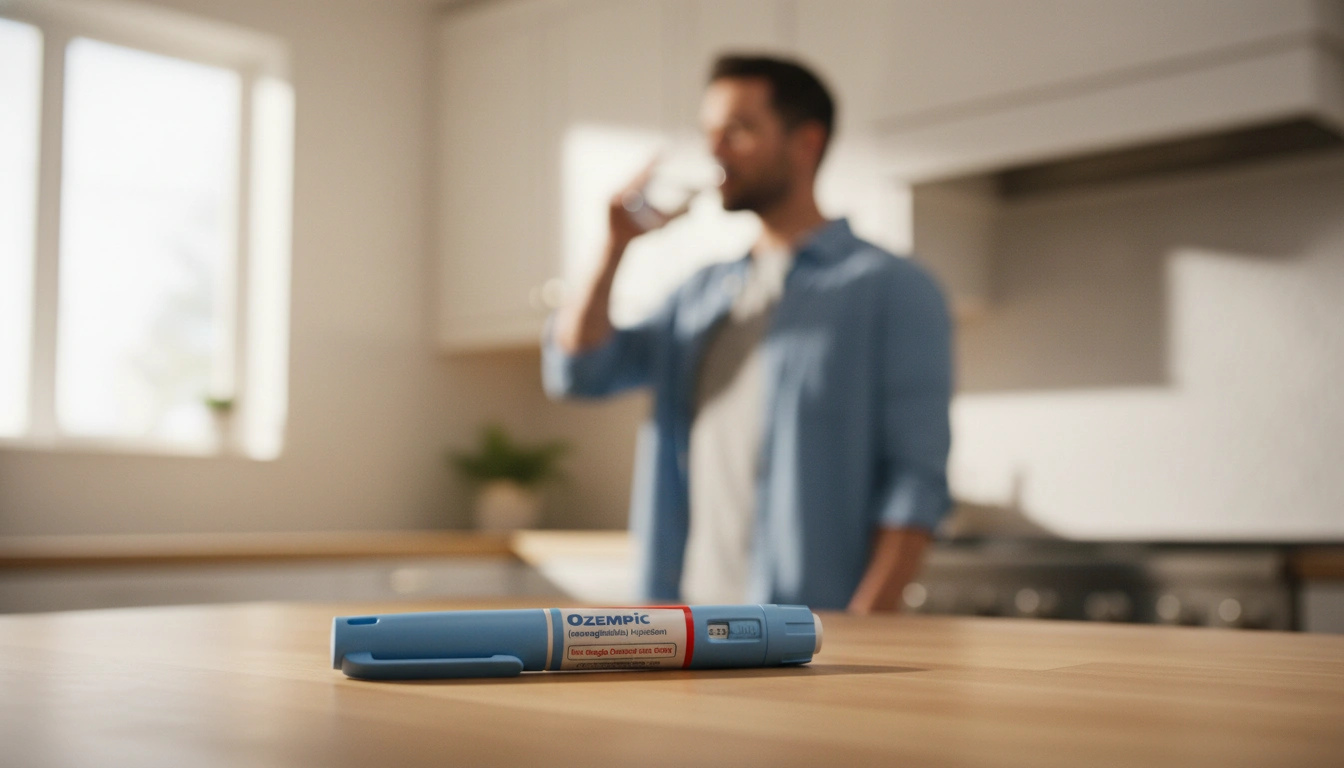
You’ve set aside time for your weekly injection, you pick up the pen, and something isn’t right. Maybe the dose button won’t push down, the pen feels like it’s delivering nothing, or the dose counter isn’t moving. Ozempic pen malfunctions are uncommon but they do happen, and knowing how to respond quickly means the difference between a missed dose and a resolved problem. Here’s a systematic guide to the most common issues and exactly what to do about each one.
Understanding the Ozempic Pen Mechanism
Before troubleshooting, it helps to understand what you’re working with. The Ozempic pen is a prefilled, multi-dose disposable injector. It uses a dial-and-inject mechanism where you select your dose by turning the dose selector, then press the dose button to deliver the injection. A dose counter window shows how much medication remains. The pen is designed to deliver precise doses, and most apparent malfunctions trace back to user technique, storage conditions, or a genuine device defect.
Knowing the difference between a technique issue and a true malfunction saves time and prevents unnecessary stress about a wasted dose.
Common Malfunctions and How to Troubleshoot Them
The Dose Button Won’t Press Down
This is one of the most common issues reported and usually has a straightforward cause. The most frequent explanation is that the pen cap is still partially on or the needle isn’t attached correctly. Remove the pen cap completely, check that the needle is screwed on firmly in a straight line rather than at an angle, and try again.
If the button still won’t depress, check whether the dose counter is set correctly. On Ozempic pens, you can only press the dose button when a dose has been selected. If the counter is at zero or in an intermediate position from a previous partial attempt, the button may be locked. Reset the dose selector and try again from the beginning.
A button that is physically stuck and won’t move regardless of dose selection may indicate a mechanical defect. In this case, do not force it. Set the pen aside and contact your pharmacy or prescribing provider.
The Pen Clicks But Nothing Comes Out
First, check whether you completed the flow check with a new pen. Every new Ozempic pen requires a priming step before the first use. Hold the pen with the needle pointing up, select the flow check symbol on the dose counter, and press the button until a drop appears at the needle tip. Skipping this step means the first injection may deliver little to no medication.
If you’ve already primed the pen and are on a subsequent dose, check the needle. A blocked or bent needle can prevent medication from flowing even when the mechanism is functioning correctly. Attach a new needle, prime briefly to confirm flow, and attempt the injection again. Needles should be replaced with each injection, not reused.
If flow is confirmed but you still don’t feel anything during injection, technique may be the issue. The needle needs to be fully inserted into the subcutaneous tissue at the correct angle. If you’re injecting through thick clothing or into an area with dense scar tissue from repeated injections, the needle may not be reaching the right tissue layer.
The Dose Counter Isn’t Moving
If you press the dose button and the counter doesn’t change, the dose may not have been delivered. This can happen if the button wasn’t held down long enough. Novo Nordisk recommends holding the button down for a full six seconds after the click while keeping the needle in the skin. Releasing too quickly can mean the full dose wasn’t delivered and the counter didn’t register the completion.
If you held the button down correctly and the counter still didn’t move, the pen may have a mechanical defect. Note the lot number on the pen, take a photo if possible, and contact your pharmacy. Do not attempt to re-dose based on a malfunctioning counter without guidance from your provider, as you risk double-dosing if any medication was actually delivered.
The Pen Is Leaking
Liquid appearing at the injection site or around the needle base after injection usually indicates one of two things. Either the needle wasn’t attached securely and medication leaked around the connection point, or the dose button was released before the full six seconds elapsed and some medication was expelled back out.
A small drop at the needle tip after removing the pen from the skin is normal and doesn’t represent a meaningful loss of medication. Visible liquid running down the skin or a wet sensation at the injection site suggests a more significant leak worth noting and reporting.
The Pen Looks Cloudy or Discolored
Ozempic solution should be clear and colorless. Cloudiness, discoloration, or visible particles are signs that the medication has degraded, most commonly from improper storage. A pen that has been frozen and thawed, exposed to excessive heat, or stored past its expiration date should not be used even if it otherwise appears to function normally.
Do not inject from a pen with abnormal-looking solution. Contact your pharmacy for a replacement and, if possible, document how the storage issue occurred to prevent it in the future. Proper storage is covered in detail in the article on what happens when Ozempic wears off each week, which also addresses how storage conditions affect medication consistency over the injection cycle.
The Pen Ran Out Before the Expected Number of Doses
This is addressed in depth in the earlier article on Ozempic pen ran out early, but the short version is that technique errors, particularly skipping the flow check and not holding the button down long enough, account for the majority of pens that seem to run short. Genuine manufacturing shortfalls do occur but are less common.
What to Do When You Can’t Resolve the Problem
If troubleshooting doesn’t resolve the issue and you’re uncertain whether a full dose was delivered, the right move is to contact your prescribing provider or care team before attempting to re-inject. Explain what happened in as much detail as possible, including where in the injection process the problem occurred and whether the dose counter changed.
Your provider can advise whether a partial or missed dose warrants an early replacement, a dose timing adjustment, or simply continuing on your regular schedule. With semaglutide’s approximately one-week half-life, a single missed or partial dose is unlikely to significantly affect your overall treatment trajectory, but your provider is best positioned to make that call based on your specific situation.
Document the malfunction by noting the pen lot number, expiration date, and a description of what happened. If the issue appears to be a genuine device defect, report it to Novo Nordisk’s customer support line and to the FDA’s MedWatch program. Manufacturer defect reports can lead to replacement pens and contribute to quality monitoring that benefits other patients.
Preventing Pen Problems Before They Happen
Most Ozempic pen malfunctions are preventable with consistent technique and proper storage. Attach a new needle for each injection and never reuse needles, which can become dull or blocked. Always perform the flow check with a new pen before the first dose. Hold the dose button down for a full six seconds after the click before withdrawing the needle. Store unused pens in the refrigerator between 36°F and 46°F, and keep in-use pens away from heat, freezing temperatures, and direct sunlight.
Let’s say a patient has been reusing needles to reduce waste and cost. By the third or fourth reuse, the needle tip has dulled and is partially blocked. The pen appears to function normally, the button clicks, the counter moves, but the actual delivery is inconsistent. Switching to a fresh needle for each injection immediately resolves the irregular dosing experience. This is among the most common and most easily fixed causes of apparent pen malfunction.
Consider this scenario as well: a patient stores their in-use pen in the bathroom medicine cabinet. Summer heat and shower steam regularly push the room temperature above the recommended storage limit. The medication degrades subtly over several weeks, producing inconsistent effects that the patient attributes to the medication not working rather than a storage problem. Relocating the pen to a cooler, drier location resolves the issue without any change to dose or schedule.
If You’re on Compounded Semaglutide
The troubleshooting principles above apply broadly to any injectable semaglutide, but compounded semaglutide is typically supplied in a vial rather than a prefilled pen, requiring a separate syringe for each injection. Vial and syringe administration has its own set of technique considerations, including proper drawing technique, air bubble removal, and injection depth. If you’re on a compounded program and experiencing delivery issues, your care team should be your first point of contact since the administration process differs meaningfully from the brand-name pen format.
For patients considering compounded semaglutide as an alternative to the brand pen format, the compounded semaglutide versus Wegovy comparison covers the key differences in delivery format, dosing, and what to expect.
If you’re navigating treatment questions and want clinical support available when issues like this arise, you can start your TrimRx assessment here.
This information is for educational purposes and is not medical advice. Consult with a healthcare provider before starting any medication. Individual results may vary.

Transforming Lives, One Step at a Time
Keep reading

Ozempic and Water Retention: What Patients Notice
Water retention on Ozempic sits in a confusing middle ground. Some patients notice puffiness or swelling, particularly in the hands, feet, or ankles, while…
Ozempic and Heartburn: Managing Acid Reflux on GLP-1
Heartburn on Ozempic tends to surprise people. You’re eating less, your meals are smaller, and yet you’re experiencing more acid reflux than before. It…

Ozempic and Bloating: Why It Happens and How to Reduce It
Bloating is one of the most consistently reported GI side effects of Ozempic, and it’s one that tends to linger longer than nausea for…


